
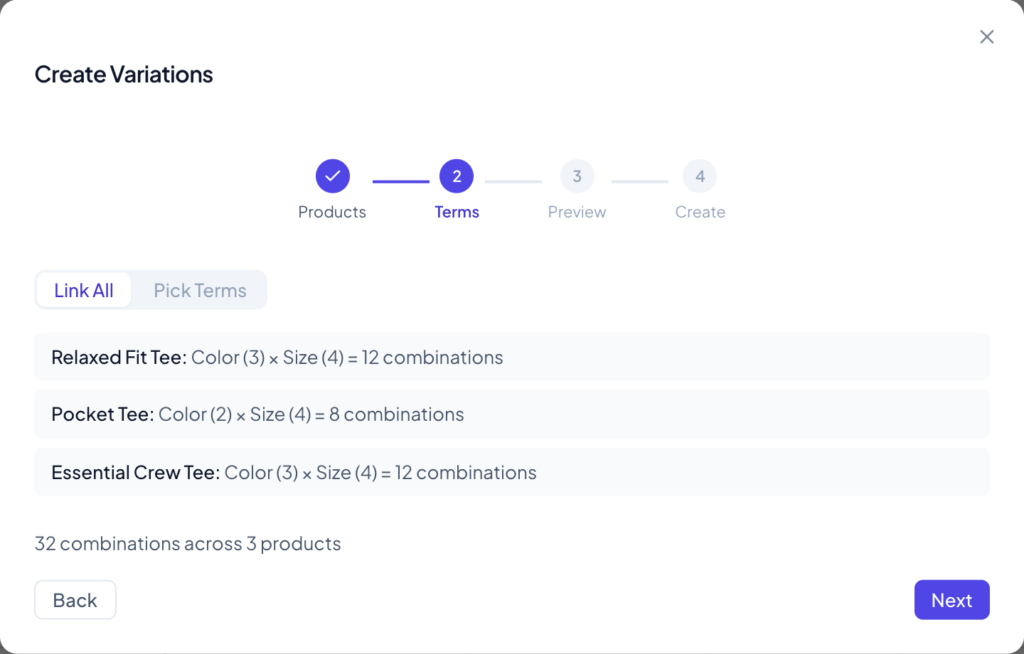
Written for version 1.5.0. You’ve added three new T-shirts, each in three colors and four sizes. WooCommerce can generate the variations for you, but only one product at a time, from each product’s Variations tab. With WPMelon Advanced Bulk Edit Pro you select all the products, untick the combinations you don’t sell, and create every […]
20
Oct
Oct
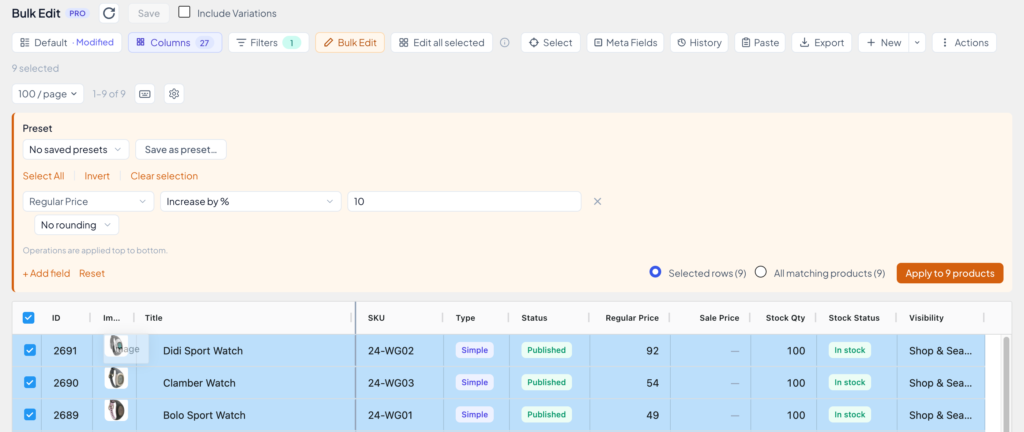
Written for version 1.5.0. Your supplier raised prices by 10%, or you want 20% off a whole category for the weekend. In WooCommerce itself that means opening every product one by one. With WPMelon Advanced Bulk Edit you pick the products, say how the price should change, check the new prices in the grid, and […]
20
Oct
Oct
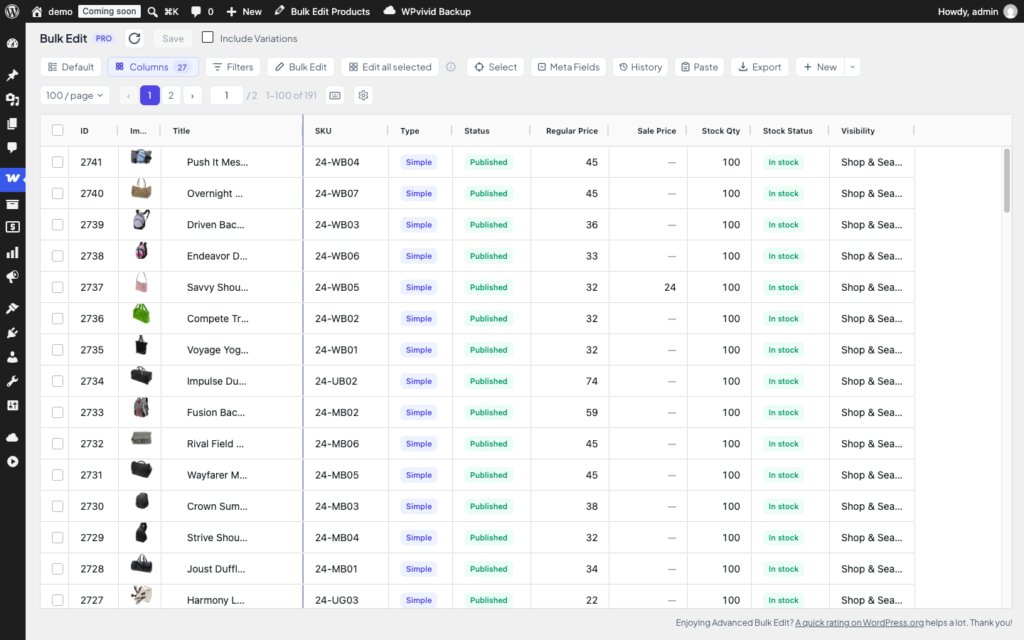
Written for version 1.5.0. This guide takes you from a fresh install to your first bulk price change in about five minutes. You’ll open the grid, back up your data, narrow the list down to the products you care about, edit one by hand, and then change several at once. The example store sells bags, […]
07
Sep
Sep
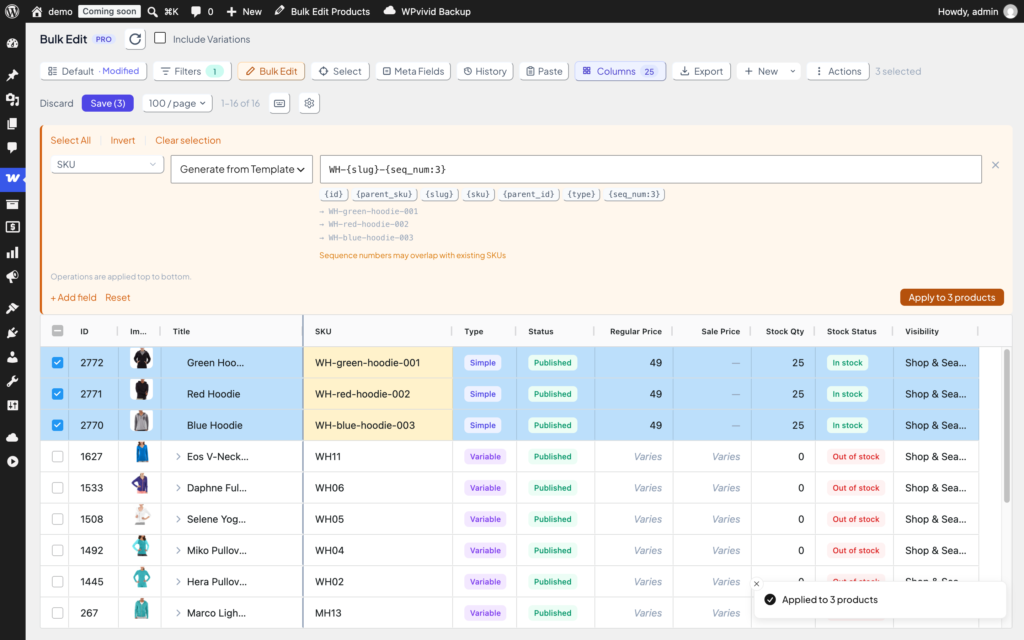
Give hundreds of WooCommerce products consistent SKUs in one go. Write a pattern like WH-{slug}-{seq_num:3}, check the live preview, apply, save.
Applies to: WPMelon Advanced Bulk Edit Pro for WooCommerce Short answer The bulk editor writes ACF values with update_field(). It doesn’t submit ACF’s edit form, so hooks that only fire on a form submit, like acf/save_post, never run. Use acf/update_value instead. It fires on every write, whether it comes from the product edit page, the […]
29
Aug
Aug
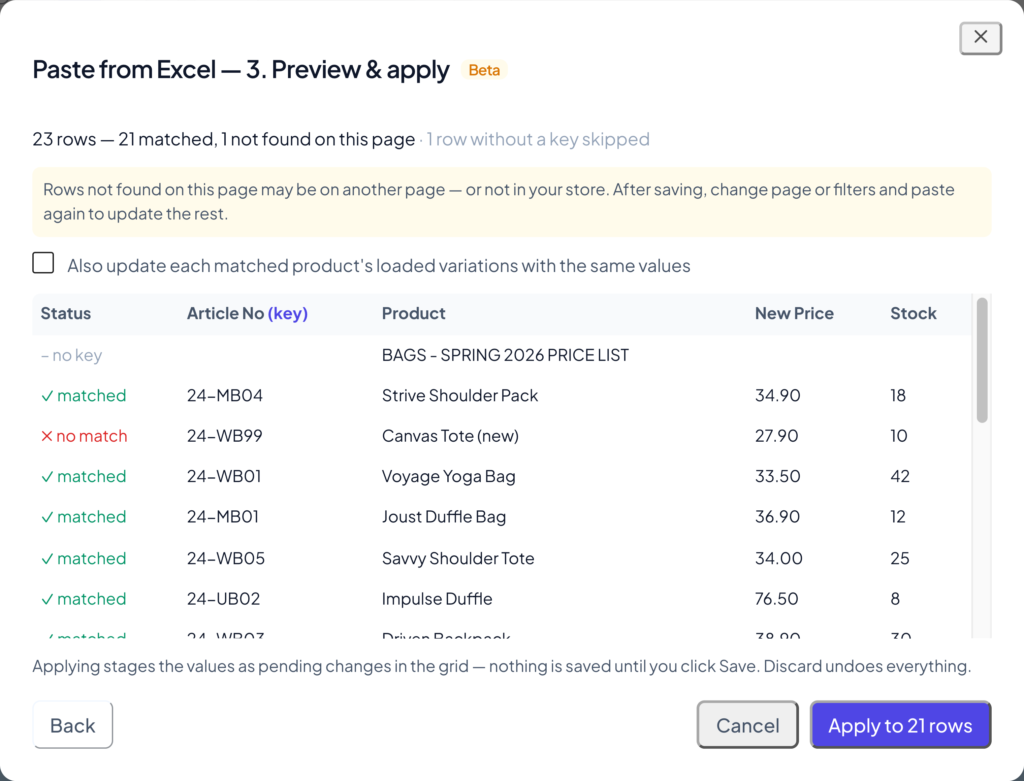
Paste from Excel is a Pro feature that lets you copy rows from any spreadsheet – Excel, Google Sheets, Numbers, LibreOffice – and apply them to your products right in the Bulk Edit grid. No CSV export, no import mapping files, no waiting for an import to run. You copy, you paste, you see the […]
22
Aug
Aug
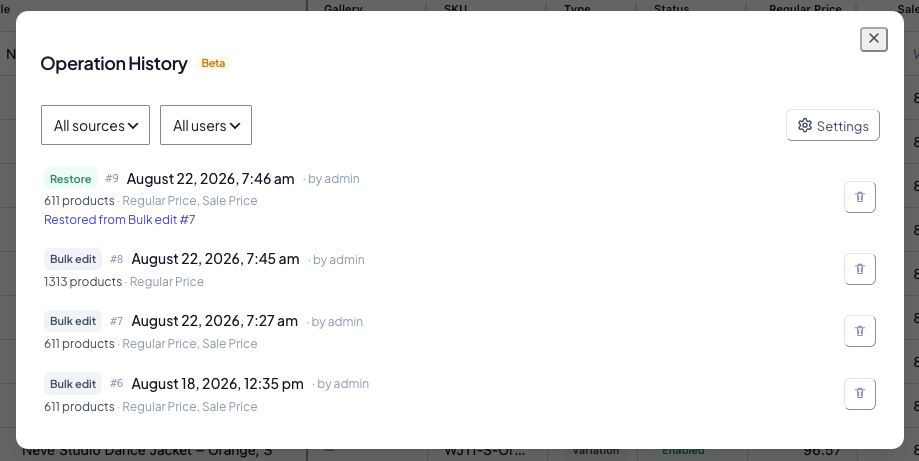
Operation History is a Pro feature that records the previous values of every field your bulk edits change. If an edit doesn’t turn out the way you expected, you can open the history, see exactly what changed, and put the old values back — a real undo that survives saving. This is not the same […]

25
May
May
I’ve sold a WooCommerce plugin on CodeCanyon since 2014. Twelve years, more than 14,000 stores. Now I’m moving the next generation to direct sales and writing down the whole move in real time. First post in the series: here’s why.
We just shipped something we’ve wanted to build for a long time — and if you manage product data in spreadsheets, you’re going to love it.
WooCommerce is flexible enough to handle almost any product structure — but once your store grows, managing products efficiently becomes a challenge. This is where custom taxonomies and bulk editing become essential.