
We’ve added a new License Management area directly inside the support portal. You can now see all your WCABE licenses in one place, manage which sites they’re active on, and download the plugin whenever you need it. This makes it easier to keep track of licenses and solve common update issues without waiting on support.
1. What’s New
- New License Management screen inside your existing support portal.
- Lets you see your licenses, manage the sites they’re used on, and download WCABE from one place.
2. Where to Find It
- After logging into the support portal, open the “License Management” section in the navigation.
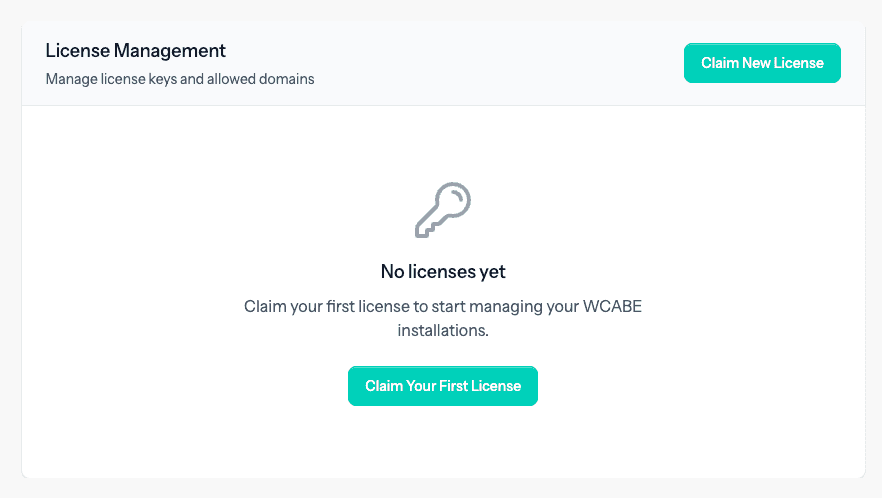
- You’ll see a list of all licenses linked to your account or you’ll be provided with an option to add a license, if none is added yet.

3. Managing Your Licenses
- License overview: for each license you can see the license key (shortened), product name, status (active/expired), and how many sites it can be used on.
- Claiming a license: click “Claim License”, paste your license key, and it will be added to your account.
4. Managing Your Sites (Domains)
- Open a license to view its details page.
- Add a site: use the “Add Domain” field (e.g. example.com) to connect a new site, up to the license’s allowed limit.
- Remove a site: use the “Remove” button next to a domain you no longer use, freeing that slot for another site.
- Some entries may be marked as auto‑added, showing sites that were detected automatically when they contacted our update server.

5. Downloading WCABE
- On the same license details page, you’ll see a list of available downloads.
- Click “Download” next to the version you want to get the plugin file directly, without opening a support ticket.
6. How to Get Started
- Log into the support portal → go to “License Management”.
- Step 1: Claim any licenses not yet attached to your account.
- Step 2: Check and tidy your site list (add active sites, remove old ones).
- Step 3: Use the download buttons whenever you need a fresh copy of WCABE.